
Users can export any pending/processing/completed delivery order as a pdf file. Canceled delivery orders cannot be exported.
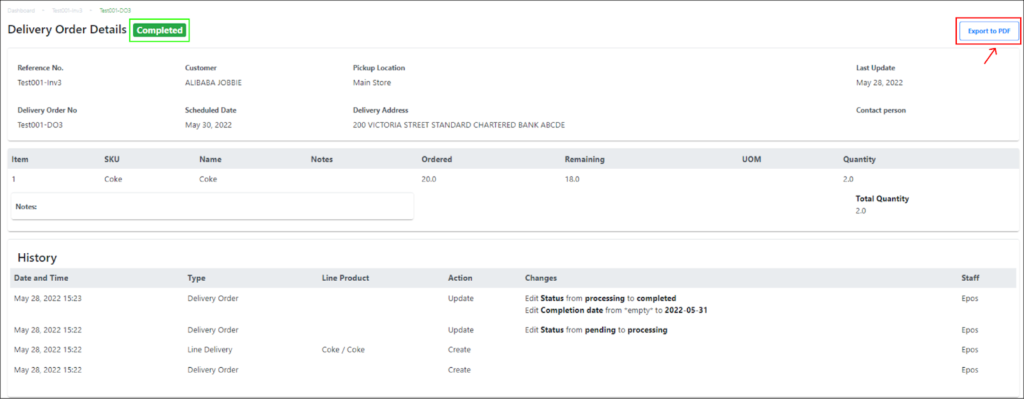
|
Step |
Description |
|
1 |
Select the delivery order from the delivery orders list in the main delivery orders page. |
|
2 |
Click on the Export to PDF button on the top right of the page. |
|
3 |
A PDF version of the invoice will automatically be downloaded into the user’s computer. |
Refer to the attached sample of a invoice PDF:
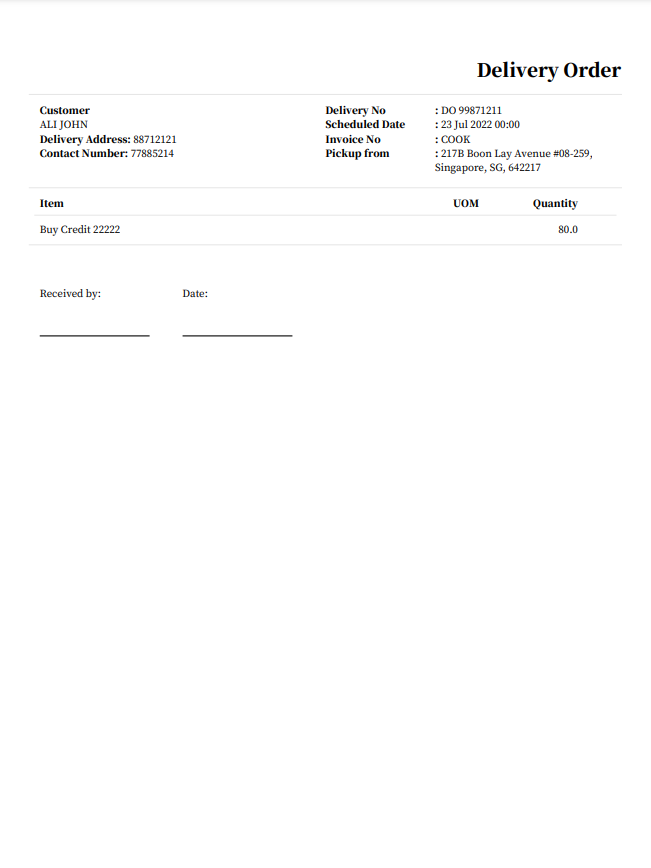
There are fields for the user’s customers to fill up, such as Received by and Date. This could be helpful for users to track successful deliveries through the delivery orders.